
An application needs to work well and protect both the people who use it and the people who build or run it.
🛡️ Application Security (AppSec)
It's the set of practices that prevent, detect, and fix vulnerabilities in software. Its goal is to protect an application's data, functions, and resources from unauthorized access, changes, and use.
This protects the people who use the application as much as the people who build and run it.
No application is completely secure. The goal is to prevent problems, limit the damage, and be able to recover.
1. What do you need to protect?
In security, an asset is anything that has value to you or your users — information, an account, or a service — according to NIST's definition.
In your application, identify things like:
- Customer data: someone could steal their addresses or delete their orders.
- Your admin account: someone could take control and change the application.
- Your private API keys: someone could use services that you pay for.
- Your code: someone could modify it so the app does something you never authorized.
Make a list of the resources your app uses and note what damage it would cause if someone used them without permission.
How much protection something needs depends on the resource: anyone can read a product's public description, but only an authorized person should be able to change it.
2. The three pillars of security
According to NIST, protecting information means taking care of three things:
- Confidentiality: a resource should only be seen by users who have permission for it. One customer shouldn't be able to view another customer's data.
- Integrity: nothing gets changed or deleted improperly. A customer shouldn't be able to modify the price before paying.
- Availability: authorized users can use the service whenever they need it.
A single failure can affect all three. For example, a stolen admin account could let someone read data, change it, and shut down the service.
3. Threat, vulnerability, risk, and control
- Vulnerability: a weakness in the system.
- Threat: something that can cause harm.
- Risk: how likely a problem is, and how bad it would be.
- Control: a measure that prevents it or reduces its consequences.
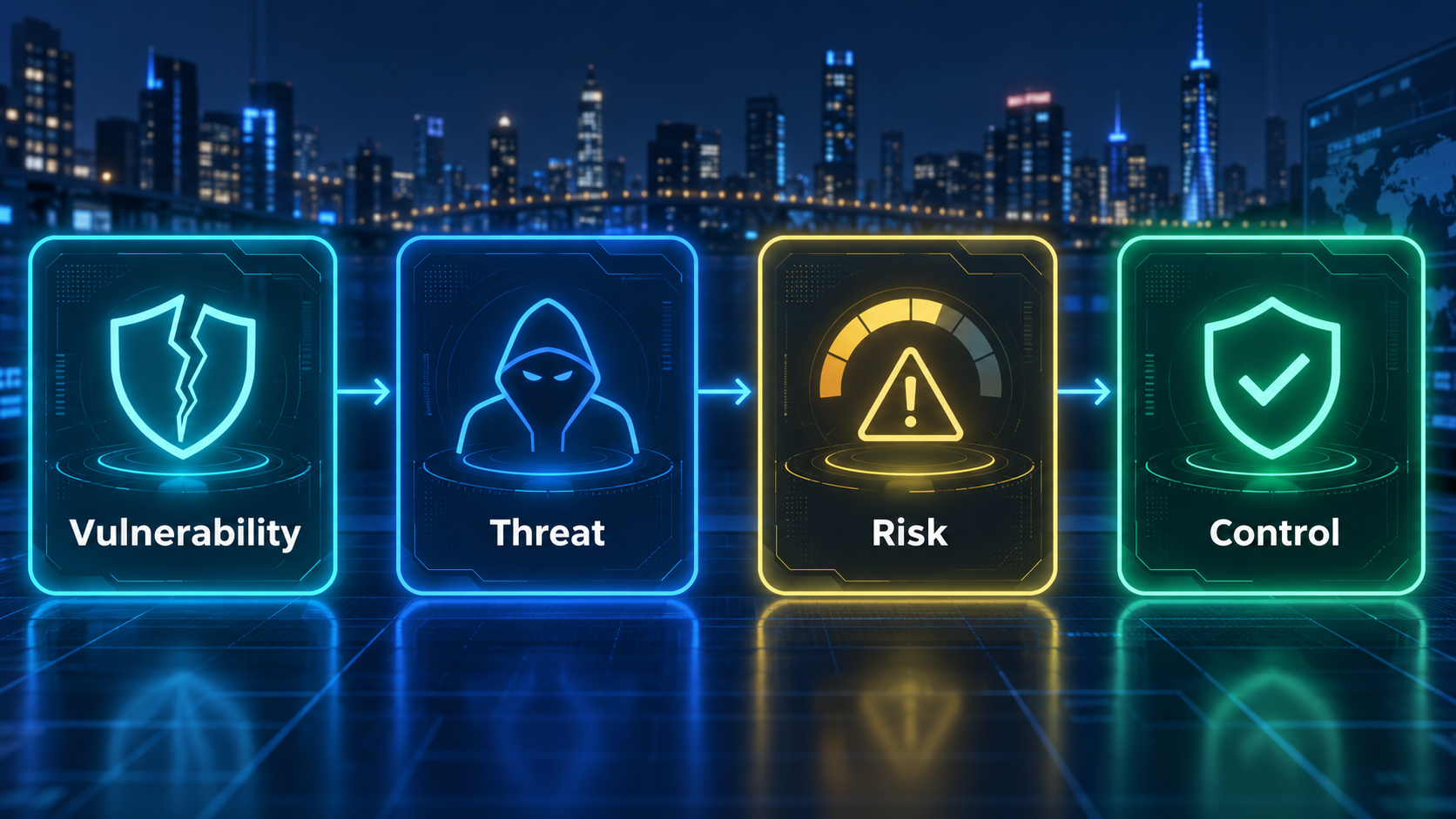
Imagine your admin account uses the password 123456:
- Vulnerability (the weakness): the password is easy to guess.
- Threat (what could happen): someone tries to guess it to get in without permission.
- Risk (the likelihood and the damage): how likely they are to get in, and what they could do afterward — like deleting data or using services you pay for.
- Control (the protection): turning on two-factor authentication, so knowing the password isn't enough to get in.
4. Authentication and authorization
Authentication checks who you are — for example, when you log in.
Authorization determines what you're allowed to do. Being a store's customer doesn't give you permission to modify products or view someone else's orders.
Permissions must be checked on every operation. Hiding a button isn't enough — someone could send the request straight to the server, as OWASP warns.
This is where least privilege applies: grant only the permissions that are actually needed. If a service only needs to read data, it shouldn't be able to delete it.
5. Input validation and injection
Input validation checks that incoming data meets what's expected: positive quantities, valid dates, or correct file formats.
An injection happens when the application treats something a user typed as a command to execute. For example, an attacker could type code into a search box to try to pull private data out of the database.
Parameterized queries prevent this kind of attack: they make the database treat what was typed as a value to search for — even if it contains code — instead of as a new command.
Checking that form fields have a valid format also helps, but it doesn't replace this protection.
6. Encryption, passwords, and secrets
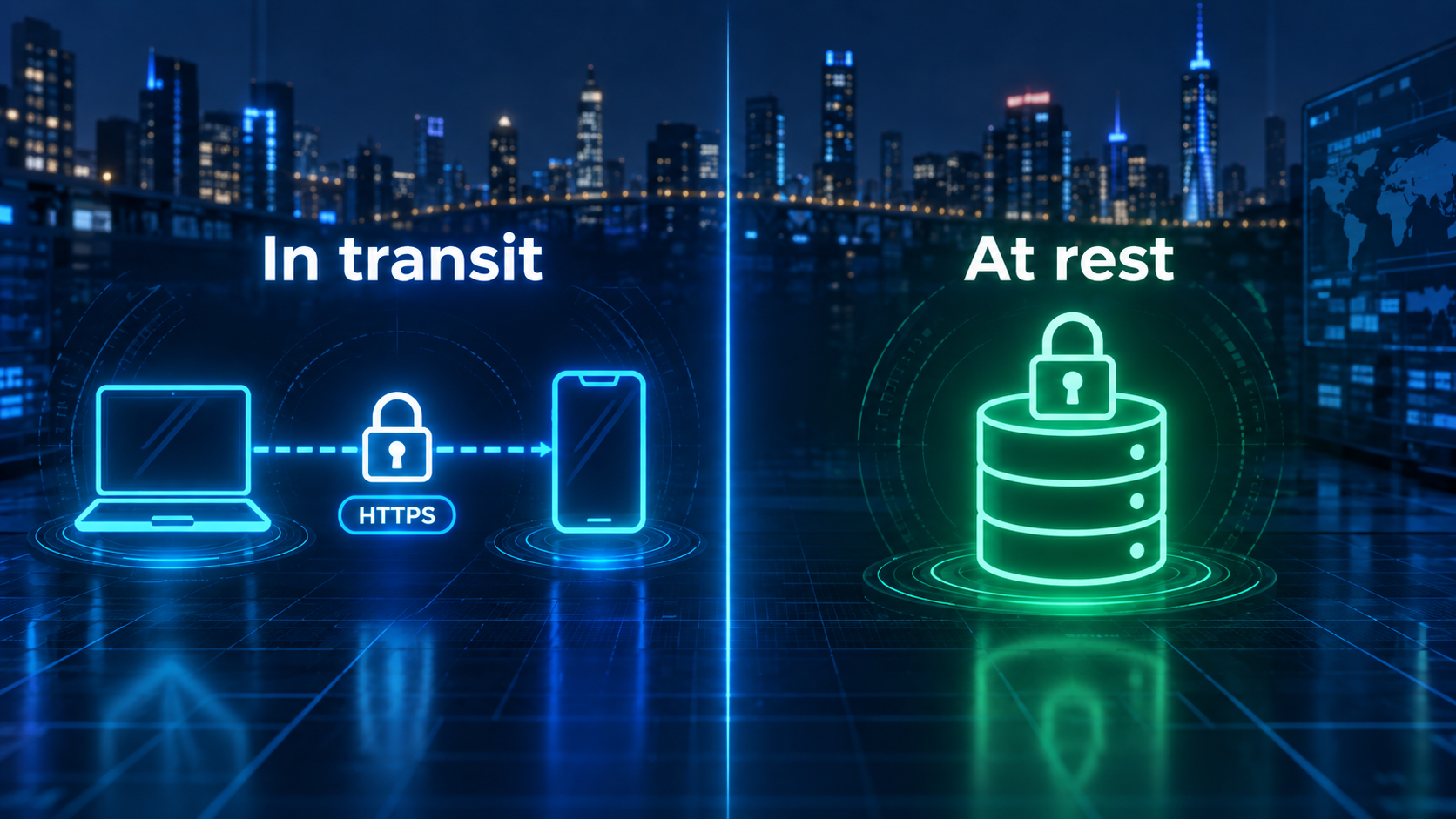
Encryption protects information so it can't be read without the right key:
- In transit: while it travels, for example over HTTPS.
- At rest: while it's stored in files or databases.
User passwords should never be stored as readable text. Password hashing functions let you verify a password without ever keeping its original text.
Secrets, like database passwords and private API keys, need to live in secure server-side tools or configuration. They shouldn't appear in your code or ever reach the browser.
7. Dependencies and configuration
Dependencies are packages of code written by other people that your app relies on. Their flaws can affect you too. Keep an inventory, check for updates, and test them before shipping.
Configuration matters just as much: a folder made public by mistake can expose data even when the code itself works fine.
If the application can't verify a permission, it should reject the operation. This is called failing safely.
8. Detecting problems and recovering
Logs record events like errors and important changes. Alerts notify you when something needs attention.
They should never include passwords or private keys.
Backups let you recover data, but you have to test that they actually work. Having a copy isn't worth much if you don't know how to restore it.
9. I built an app with AI. What do I check first?
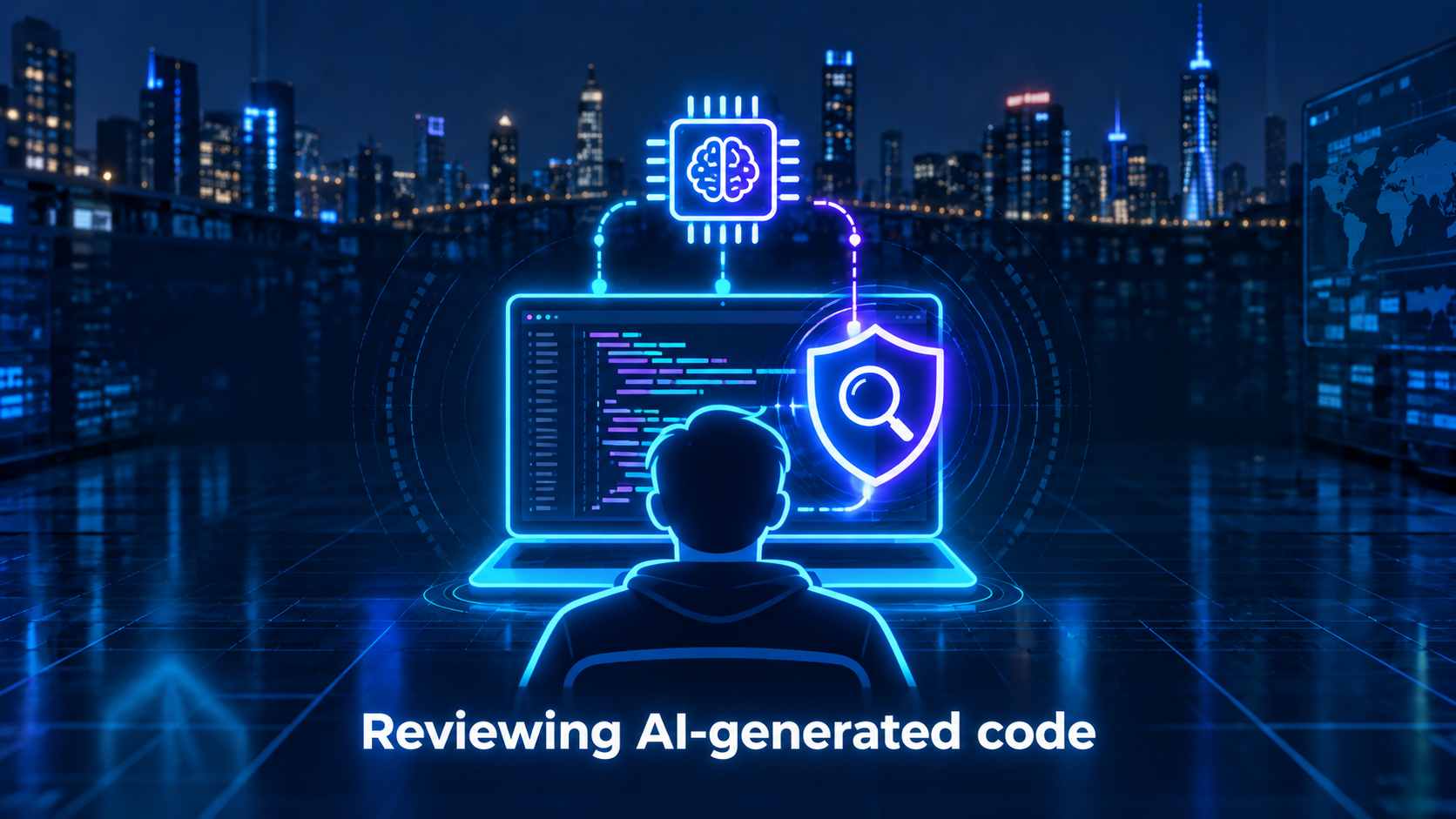
Open your project's root folder in an AI tool that has access to the code. Copy and paste the following prompt 👇
Review the entire codebase, its dependencies, and the available configuration, without changing anything.
Look for vulnerabilities that could affect my users or me: access to other people's data, account takeover, exposed secrets, unauthorized changes, or use of services that generates costs.
For each problem, explain in plain language:
- Vulnerability: what's broken and which file it's in. Show evidence without revealing passwords or private keys.
- Threat: how someone could exploit that flaw.
- Risk: what damage it could cause and how easy it would be to exploit.
- Control: what protection already exists, whether it's enough, and how to fix the problem.
List the highest-risk problems first and explain why they take priority. Separate confirmed problems from suspicions, and explain how to safely verify the latter.
End with a prioritized list of fixes, and point out which parts you couldn't review. Don't run tests against production services.
This is a first step toward reviewing the code, one of the practices covered by NIST's SSDF. The AI can miss problems, and it may not see your services' real configuration. Not finding flaws doesn't prove the app is secure.
Wrapping up
You now have the vocabulary to reason about risk (assets, threat, vulnerability, risk, control), you know where the most common oversights hide (permissions, inputs, secrets, dependencies, configuration), and you have a prompt to ask your AI to check all of that for you.
Mark each check as verified, failed, or need help. An AI saying "everything's fine" is not a substitute for a test.
If you'll be handling payments or sensitive information, get a professional technical review before opening the app to the public.
Building with AI can speed up the work. Checking what you built is still part of it.